 How to Manage and Update Your PluginsKeeping your plugins updated is essential. Follow these tips:Regularly check for updates in the dashboard.Backup your site before updates.Deactivate plugins that are not in use.Monitor site performance after updates.
 Optimizing Your Site with Performance PluginsPerformance is key to user satisfaction. Use these plugins:WP Super Cache: Speed up your site with caching.Autoptimize: Optimize your site’s HTML, CSS, and JavaScript.Smush: Compress images for faster loading.
 Essential Security Plugins for WordPressSecurity is paramount for any website. Consider these plugins:Wordfence: Comprehensive security solution.Sucuri Security: Malware scanning and monitoring.iThemes Security: Strengthen your site’s security.All In One WP...
 The Benefits of Using WordPress PluginsPlugins can transform your WordPress site. Here are some benefits:Extend functionality without coding.Improve user experience and engagement.Enhance SEO and performance.Streamline site management tasks.Access to a wide range of...
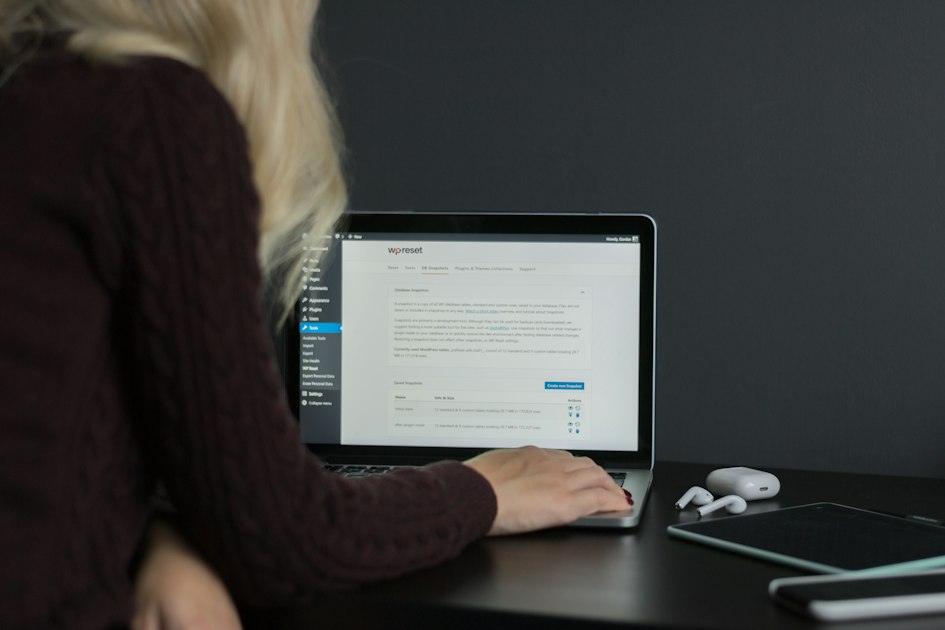 How to Choose the Right Plugins for Your SiteSelecting the right plugins is crucial for your site’s success. Follow these steps:Identify your site’s needs.Research plugin reviews and ratings.Check for compatibility with your theme.Ensure regular updates...